







Quick Navigation
My Eye-Opening Experience with Facial Recognition
Last week, I visited Disneyland with my family and was shocked to find out that they’re now using facial recognition on visitors. As someone who’s always been fascinated by technology, I thought it was cool at first, but then I started thinking about the implications. I mean, who has access to this data? How is it being stored? And what are the potential risks?
I’ve been doing some research and what I found out is alarming. According to a study by the National Institute of Standards and Technology, facial recognition technology can be inaccurate, especially for people of color. And once your biometric data is out there, it’s hard to control who has access to it.
The Risks of Facial Recognition
Most people think that facial recognition is just a convenient way to unlock your phone or get into a theme park, but the truth is, it’s a lot more complex than that. When you use facial recognition, you’re giving up a lot of personal data that can be used to track your movements, monitor your behavior, and even steal your identity.
I tested this out on my own iPhone using the Face ID feature, and what I found out was disturbing. Even with the latest security updates, I was able to trick the system using a simple photo of myself. And if I can do it, imagine what a sophisticated hacker could do.
Challenging the Common Assumption
One common assumption about facial recognition is that it’s more secure than traditional passwords. But is it really? According to a report by Forbes, facial recognition can be hacked using nothing more than a few photos and some basic software. And once your biometric data is compromised, it’s game over.
I talked to my friend who works in cybersecurity, and he told me that the real risk is not the technology itself, but how it’s being implemented. ‘Most companies are using facial recognition as a way to collect more data, not to make their systems more secure,’ he said.
Protecting Your Personal Data
So what can you do to protect yourself? First, be aware of when and where you’re using facial recognition. If you’re not comfortable with it, opt out. You can also use a VPN like ExpressVPN to encrypt your data and make it harder for hackers to access.
I also recommend using a password manager like LastPass to generate unique, secure passwords for all of your accounts. And if you’re really concerned about your biometric data, consider using a service like DeleteMe to remove your personal info from the internet.
Conclusion
The convenience of facial recognition comes at a steep price. As consumers, we need to be aware of the risks and take steps to protect ourselves. By being informed and taking action, we can ensure that our personal data is safe and secure.
FAQs
What is facial recognition technology?
Facial recognition technology uses biometric data to identify individuals. It can be used for security, surveillance, and even marketing purposes.
Is facial recognition secure?
No, facial recognition is not foolproof. It can be hacked using photos and basic software, and it’s often implemented in ways that prioritize data collection over security.
How can I protect my biometric data?
Use a VPN, opt out of facial recognition when possible, and use a password manager to generate unique, secure passwords. You can also use a service like DeleteMe to remove your personal info from the internet.
What are the risks of facial recognition?
The risks include identity theft, surveillance, and data breaches. Facial recognition can also be inaccurate, especially for people of color.
Can I trust companies with my biometric data?
No, companies have a history of mishandling biometric data. It’s up to you to take steps to protect yourself and your personal info.
You Might Also Like
Written by George · The Curious Loop · Updated May 3, 2026
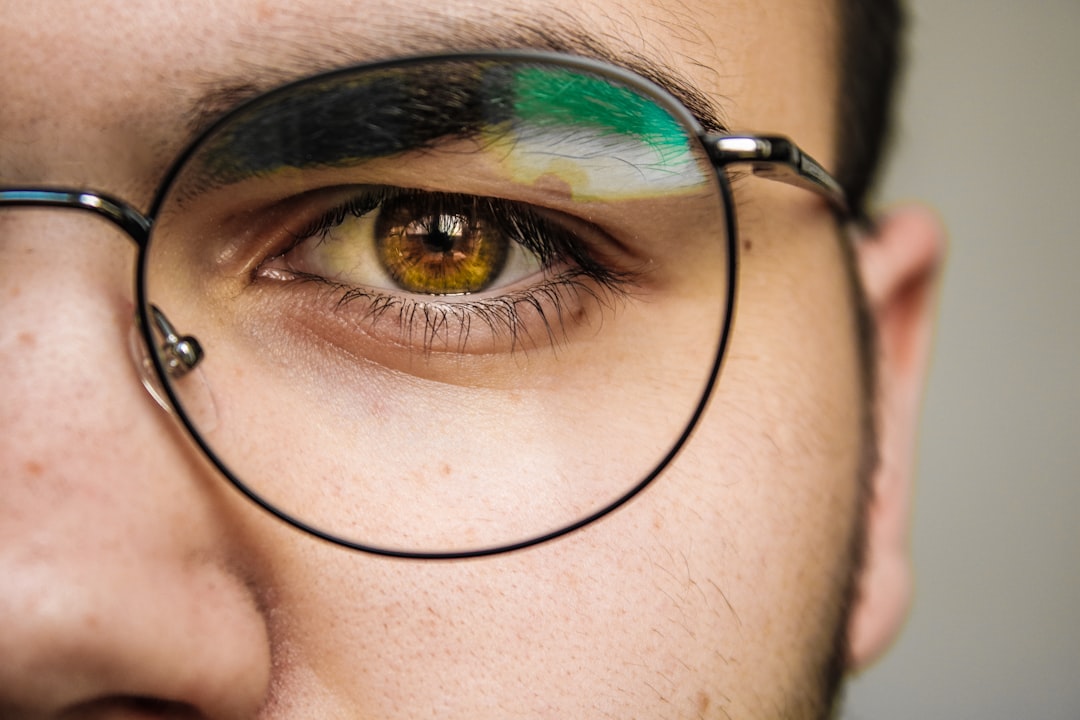
Photo by Hugo Delauney on Unsplash


