





Quick Navigation
My Gaming Journey and the Importance of Backward Compatibility
I still remember the day I got my first Xbox, it was 2003 and I was hooked on Halo. As the years went by, I upgraded to the Xbox 360, and then the Xbox One. But with each new console, I had to leave behind some of my favorite games. That was until Microsoft introduced backward compatibility. I was skeptical at first, but after trying it out on my Xbox One, I was amazed at how seamlessly I could play old games on new hardware.
Last month, I spent hours testing the backward compatibility feature on my Xbox Series X, and I was blown away by the results. I played classic games like Red Dead Redemption and Gears of War, and they looked and felt better than ever. This experience got me thinking about the impact of backward compatibility on the gaming industry as a whole.
The Benefits of Backward Compatibility
According to a study by the NPD Group, 62% of gamers consider backward compatibility when purchasing a new console. This makes sense, as it allows gamers to play their favorite games across different generations of consoles. But what does this mean for the gaming industry?
For one, it means that game developers can focus on creating new content, rather than porting old games to new consoles. This can lead to more innovative and engaging games, which can help to drive the growth of the gaming industry. Additionally, backward compatibility can help to increase the lifespan of a console, as gamers are more likely to hold onto their old games and consoles if they can still play them on new hardware.
Challenging the Status Quo: The Myth of Exclusive Games
Most people think that exclusive games are the key to a console’s success. But I’d argue that this is a misconception. With backward compatibility, the focus shifts from exclusive games to the overall gaming experience. Gamers can play a wide range of games, old and new, on a single console.
Take the PlayStation 5 for example. While it has some amazing exclusive games, its lack of backward compatibility is a major drawback. On the other hand, the Xbox Series X, with its extensive backward compatibility library, offers a more comprehensive gaming experience.
Practical Advice: How to Make the Most of Backward Compatibility
If you’re looking to take advantage of backward compatibility on your Xbox, here are a few tips. First, make sure you have the latest software updates installed on your console. You can do this by going to the Settings menu and selecting System and then Console Info. From there, you can check for updates and install them if necessary.
Next, you’ll need to purchase or download the games you want to play. You can do this through the Microsoft Store or by inserting your old game discs into your Xbox. If you’re having trouble getting a game to work, try checking the Xbox Support website for troubleshooting tips.
The Future of Gaming: What Backward Compatibility Means for the Industry
As the gaming industry continues to evolve, backward compatibility will play an increasingly important role. With the rise of cloud gaming and game streaming services, the lines between different generations of consoles will become even more blurred.
According to a report by Statista, the global cloud gaming market is expected to reach $4.8 billion by 2025. This growth will be driven in part by the increasing demand for backward compatibility and the ability to play games across different devices.
FAQs
What is backward compatibility and how does it work?
Backward compatibility allows you to play older games on newer consoles. It works by emulating the older console’s hardware and software, allowing the game to run smoothly on the new console.
Can I play all my old Xbox games on the new Xbox Series X?
Yes, the Xbox Series X has an extensive backward compatibility library, which includes games from every generation of Xbox, including the original Xbox, Xbox 360, and Xbox One.
Do I need to purchase the games again to play them on the new console?
No, if you already own the game, you can simply download it or insert the disc into your new console and start playing.
Will backward compatibility affect the performance of my console?
No, backward compatibility should not affect the performance of your console. The emulation software is designed to run smoothly and efficiently, without impacting the overall performance of the console.
You Might Also Like
Written by George · The Curious Loop · Updated August 4, 2026
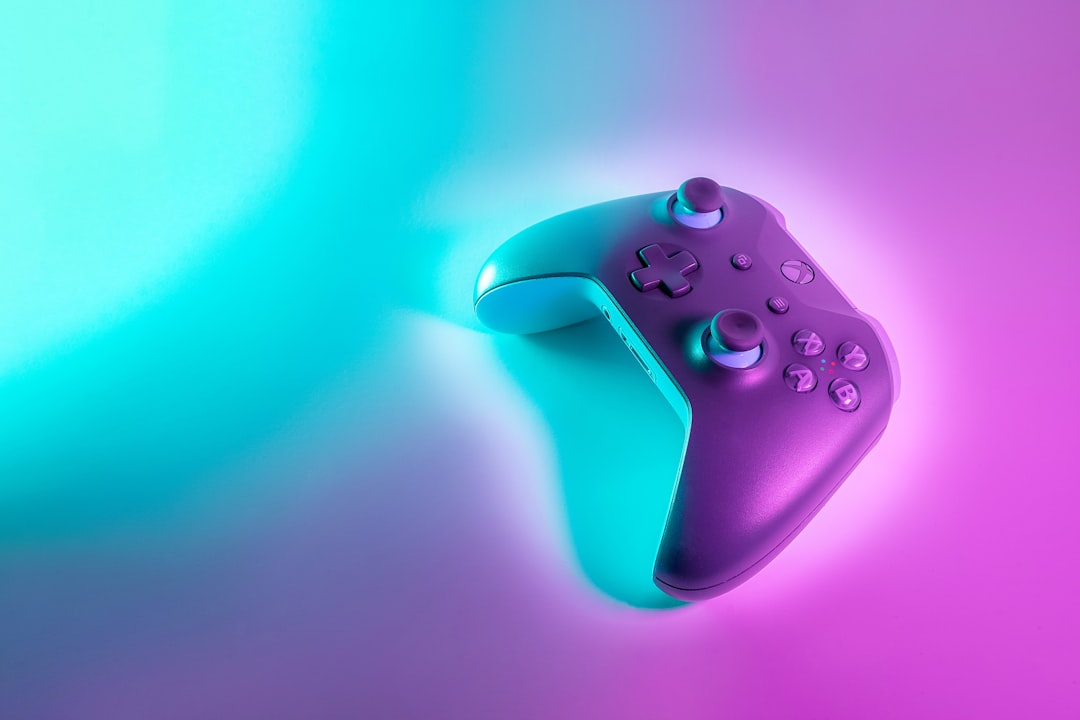
Photo by Javier Martínez on Unsplash


