

Quick Navigation
My Wake-Up Call
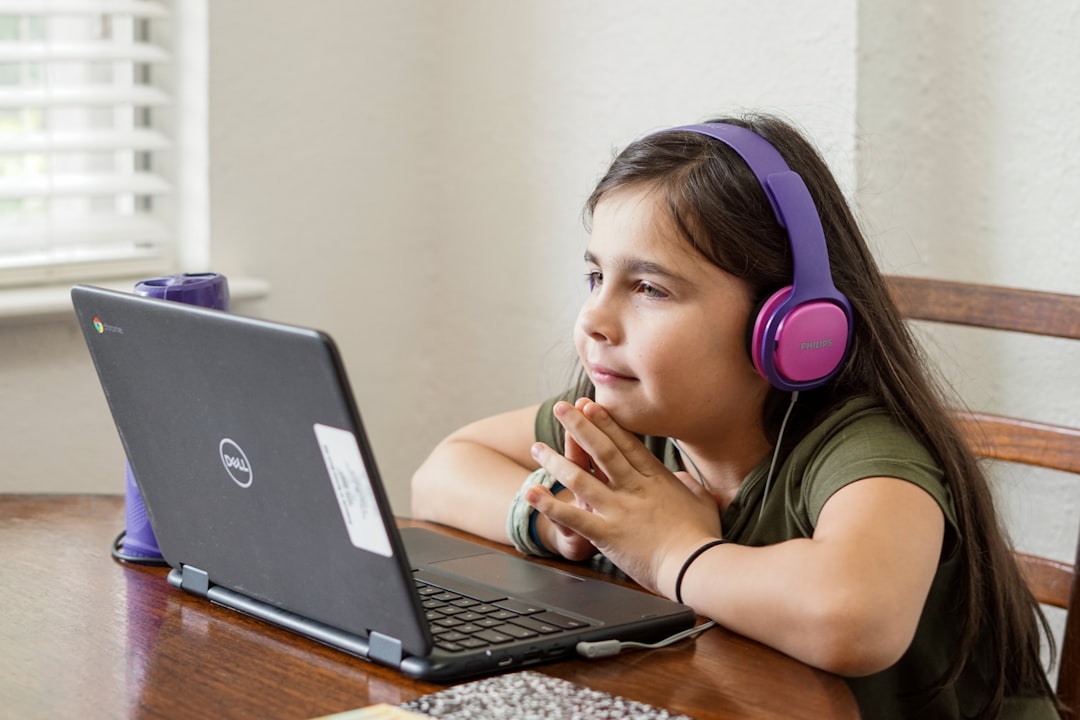
Last week, my 10-year-old niece showed me her favorite YouTube videos. I was horrified to see ads for weight loss products and ‘beauty’ creams popping up left and right. As someone who’s worked in IT support for years, I thought I was doing enough to keep her safe online. But clearly, I was wrong.
That’s when I started digging into the world of online advertising and its impact on kids. What I found was shocking. According to a CDC study, exposure to advertising can lead to unhealthy habits and body image issues in children. No wonder the Children’s Commissioner is calling for a ban on social media ads for kids.
The Bigger Picture
But here’s the thing: banning ads is just a Band-Aid solution. We need to address the root issue – the lack of online safety measures for kids. Most parents think that just using a parental control software like Kaspersky Safe Kids or Qustodio is enough. But trust me, it’s not. These tools are just the beginning.
I’ve tried using OpenDNS to filter out unwanted content, but it’s not foolproof. And let’s be real, kids are way more tech-savvy than we give them credit for. They can easily find ways to bypass these controls.
A New Approach
So, what can we do instead? For starters, we need to educate kids about online safety and advertising. My friend who’s a teacher told me about a great resource called Common Sense Education, which provides free lesson plans and materials to teach kids about digital citizenship.
We also need to be more involved in our kids’ online lives. I’ve started having regular ‘tech talks’ with my niece, where we discuss everything from online etiquette to how to spot fake ads. It’s not always easy, but it’s worth it.
Challenging Assumptions
Most people think that online ads are just a minor annoyance, but the truth is, they can have serious consequences. A Statista report found that 70% of kids aged 8-12 have seen online ads that made them feel bad about themselves. That’s not just a minor issue – that’s a full-blown crisis.
And another thing: we need to stop assuming that kids are too young to understand the impact of advertising. My niece may be only 10, but she’s already savvy enough to recognize when an ad is trying to manipulate her. We just need to give her the tools and knowledge to make informed decisions.
Practical Advice
So, what can you do to protect your kids online? Here are a few actionable tips:
- Use a combination of parental control software and browser extensions like uBlock Origin to block unwanted ads.
- Have regular ‘tech talks’ with your kids to educate them about online safety and advertising.
- Encourage your kids to use kid-friendly platforms like KidzTube or PBS Kids that have stricter ad policies.
FAQs
What’s the best parental control software for kids?
I’ve tried a few, but Kaspersky Safe Kids seems to be the most comprehensive. It’s not perfect, but it’s a good starting point.
How can I block ads on YouTube?
You can use a browser extension like uBlock Origin or enable YouTube’s built-in ad blocker (although this only works for YouTube Premium subscribers).
What’s the best way to educate my kids about online safety?
Start with resources like Common Sense Education and have regular ‘tech talks’ with your kids. It’s an ongoing process, but it’s worth it.
Can I trust kid-friendly platforms to keep my kids safe?
No platform is 100% safe, but kid-friendly platforms like KidzTube or PBS Kids have stricter ad policies and more robust safety measures in place.
What’s the most important thing I can do to protect my kids online?
Stay involved and have open conversations with your kids about online safety and advertising. It’s not a one-time fix – it’s an ongoing process that requires effort and dedication.
You Might Also Like
Written by George · The Curious Loop · Updated February 14, 2026
Photo by Thomas Park on Unsplash
